A setup sheet for every job, straight from the program.
RAZ-Generator reads the program and fills in the setup sheet for you: every tool, where it’s used, how far it sticks out, and what the operator checks before the first part. It comes with RAZ-Generator, and it’s also sold on its own.
Four pages, ready for the machine.
Each sheet prints as four pages, one topic per page, so the operator finds what they need at the machine.
- Job and workholdingPrograms, stock, part length, stickouts from the chuck faces, transfer and cut-off values, bar usage and two part photos.
- Upper turretEvery tool with its station, description, the operations it’s used in and the stickout it needs.
- Lower turretThe same for the lower turret, plus the cut-off tool in its own table.
- First partA checklist before the first part, room for notes, and a sign-off for setup and first part.
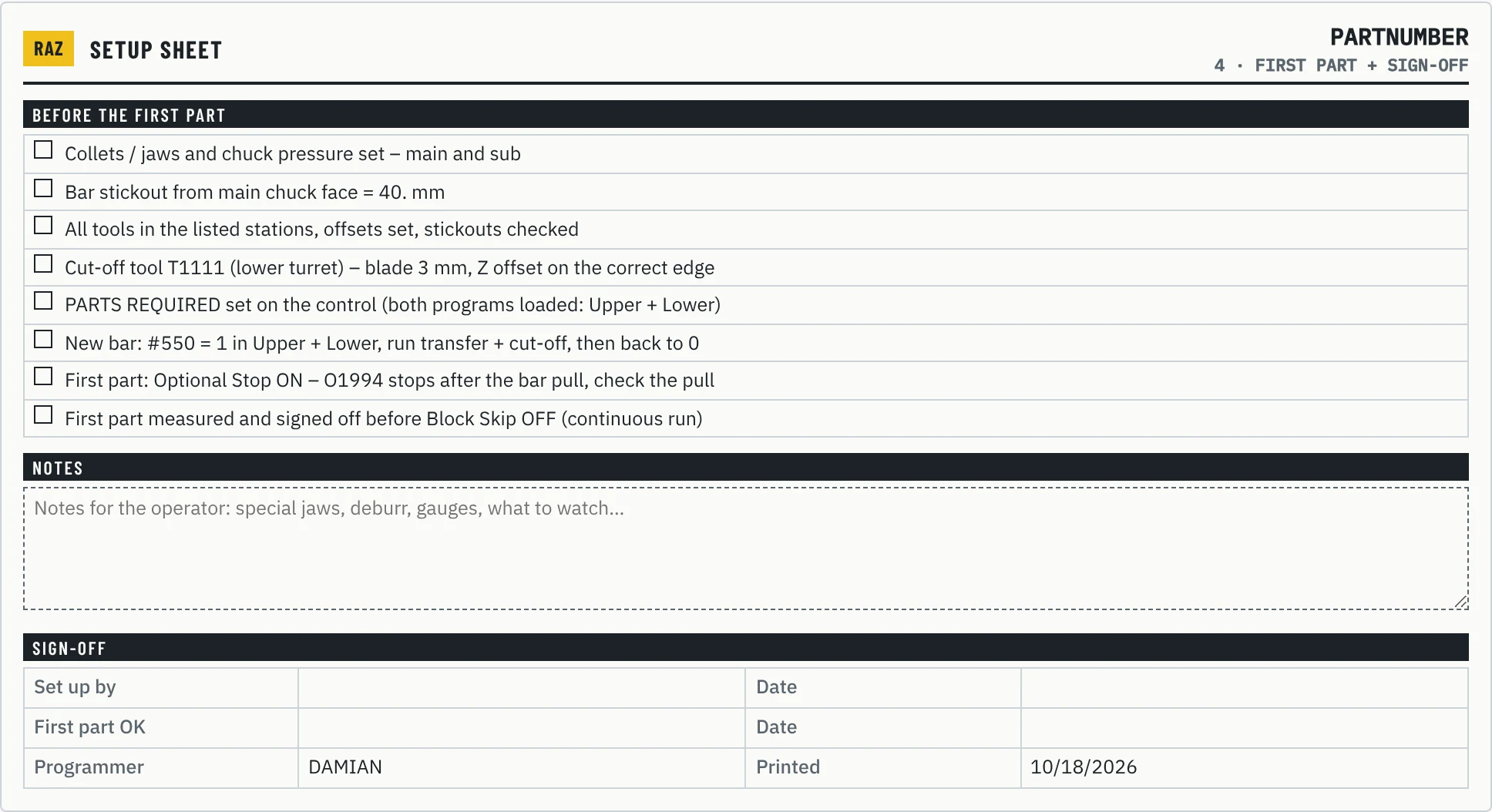
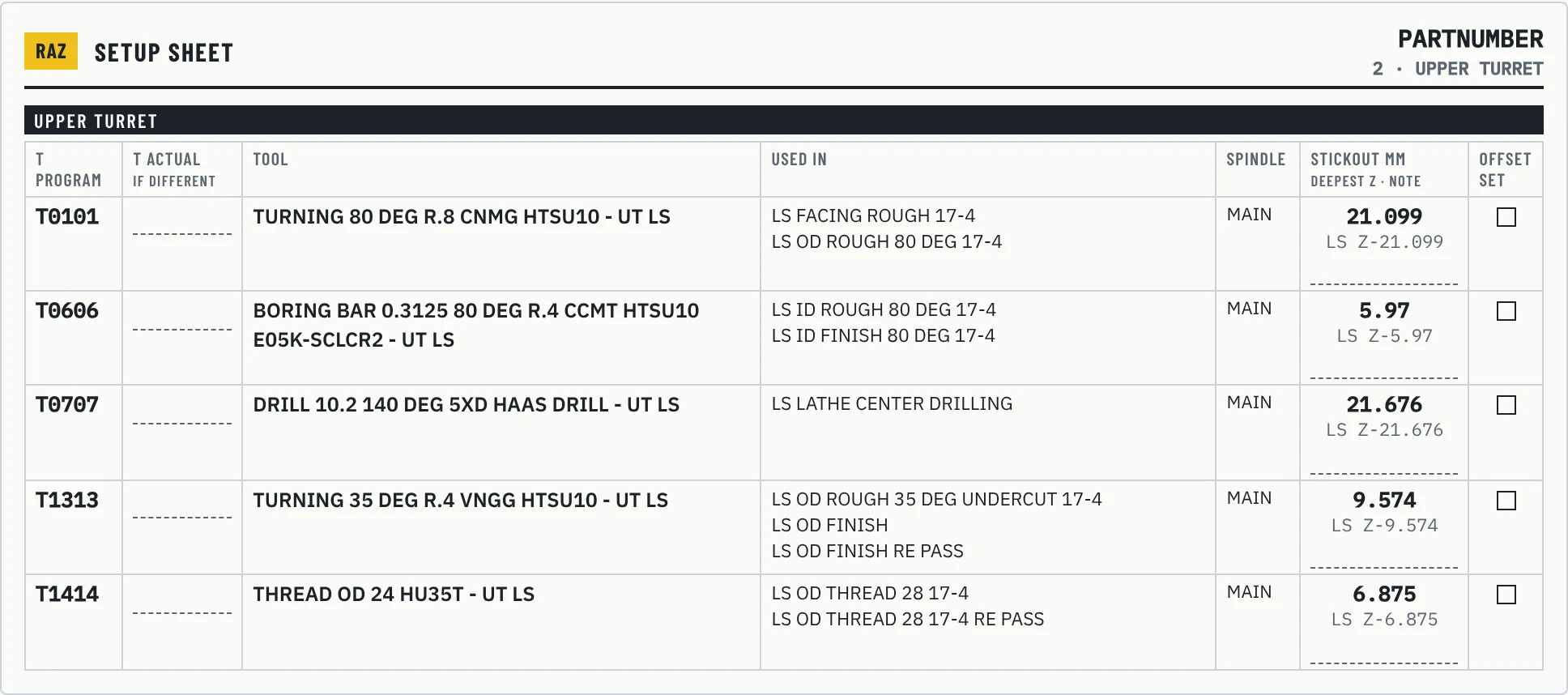
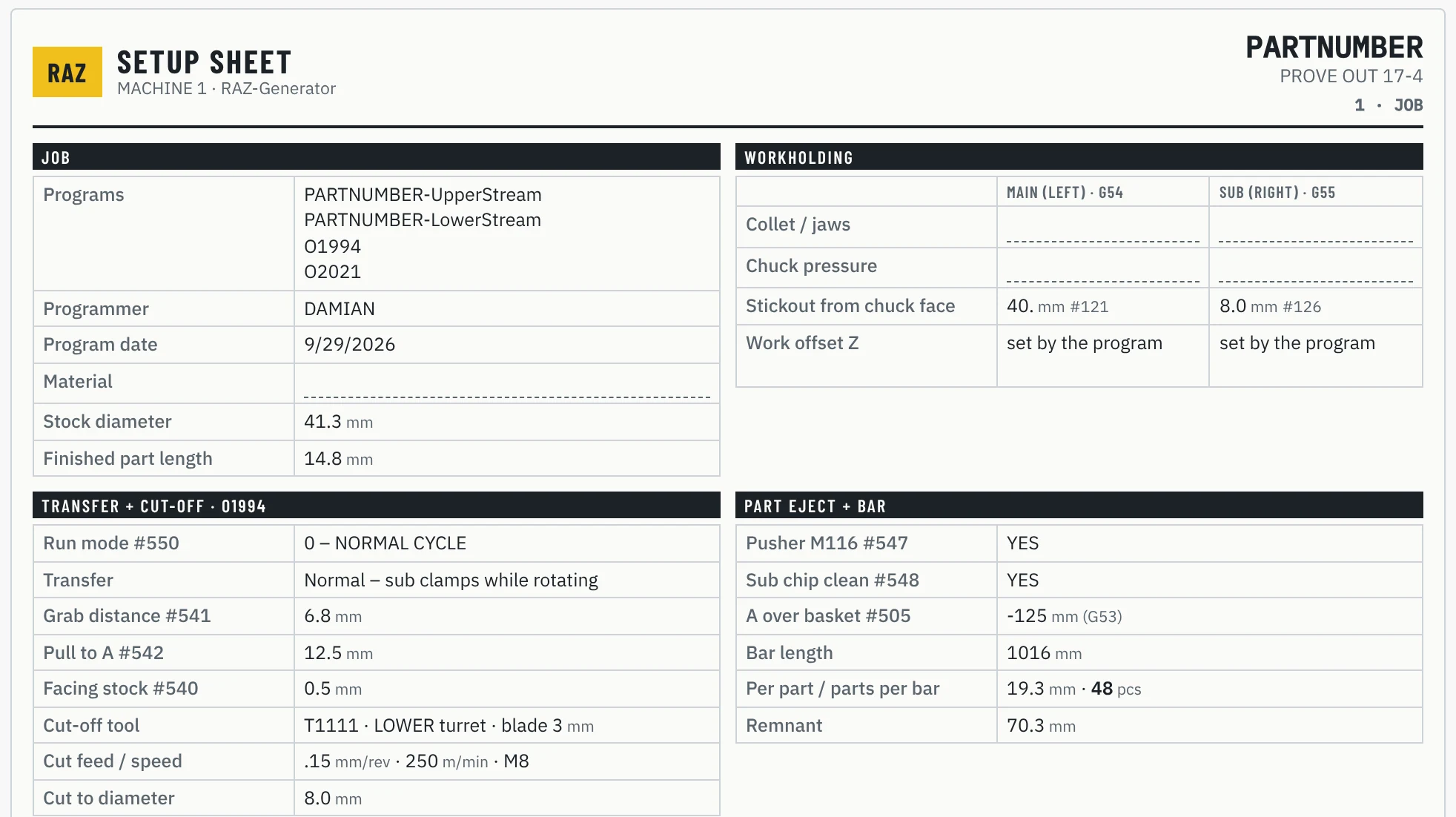
Filled in for you. Checked by the operator.
Everything that can be read from the program goes on the sheet automatically. The few things only the person at the machine knows are left as fields to fill in.
From the program
- Tool list for each turret, sorted by station
- The operations each tool is used in
- Tool stickout, taken from the deepest Z each tool reaches in the program
- Programs, stock, part length, stickouts, transfer, cut-off and bar values
- A first-part checklist that matches the job
- Program check results, if you want them printed on the sheet
From the operator
- Collets or jaws and chuck pressure
- The actual station, if a tool sits somewhere else
- Material, notes and part photos
- Offset checkmarks and the first-part sign-off
The stickout is already worked out.
For every tool, the sheet shows how far it reaches into the part, taken straight from the program. The setup person knows how far to stick each tool out before the first cycle, without reading the code.
Operator notes, collets, pressure and photos are saved with the job, so the next time the part runs, the sheet comes back with them already filled in.
Available on its own.
If your transfers are already sorted, you can get the setup sheet generator without the macro. It’s set up for your machine and the way your programs are written, so the tool lists and stickouts come out right from the first job.
Send a program, see the sheet.
Send us a program you run today and we’ll show you the setup sheet it makes.